Moxin Studio
Native Desktop AI App in Pure Rust
Run local LLMs, generate images, clone voices, and transcribe speech — all on your own hardware, without a Python runtime. Built with pure Rust and Makepad.
Explore on GitHub
Browse the source, contribute, and build with Moxin Studio.
github.com/moxin-org/Moxin-Studio6
Modalities (LLM, VLM, ASR, TTS, Image, Video)
20+
Supported Local Models
0
Python Dependencies
Runs on macOS 14.0+ (Sonoma) • Apple Silicon (M1–M5)
Supported Local Models
Every model has a dedicated, optimized implementation — not a generic wrapper. Pure Rust models run directly via OminiX-MLX with Metal GPU acceleration.
LLM
Vision
Speech Recognition
Text to Speech
Image Generation
Video Generation
See It in Action
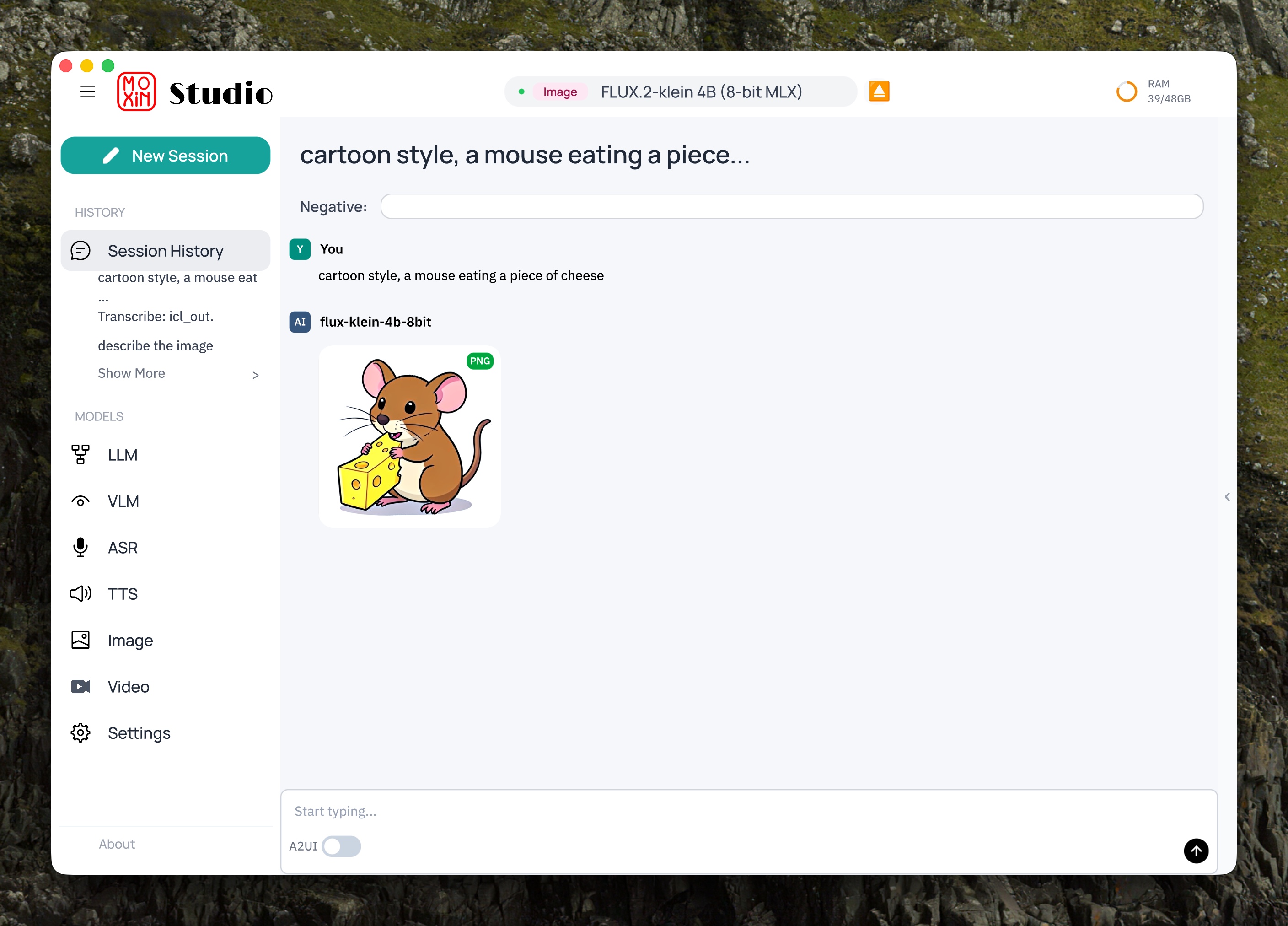
Image Generation
Generate images locally with FLUX.2-klein
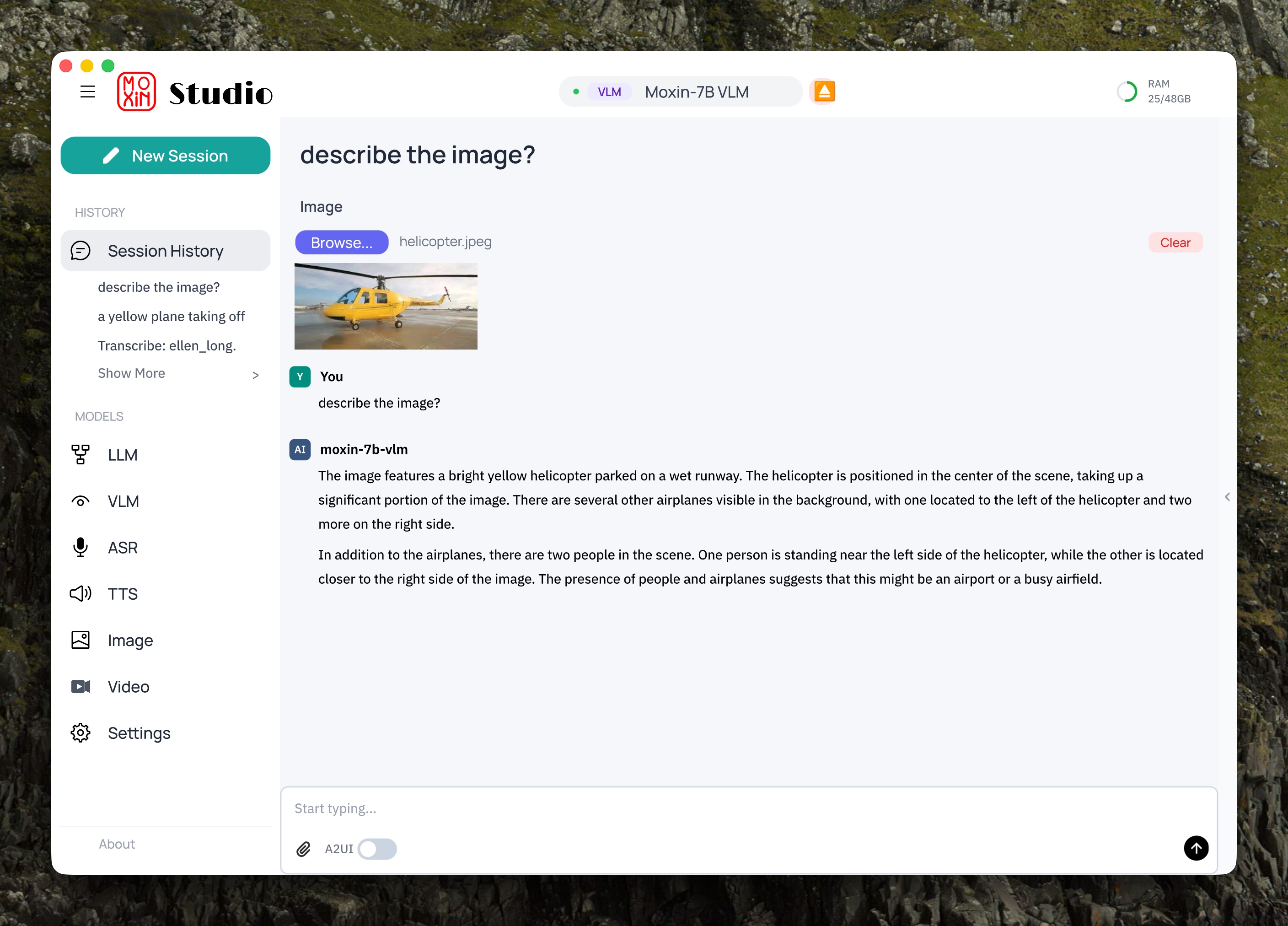
Vision Language Model
Describe and understand images with Moxin-7B VLM
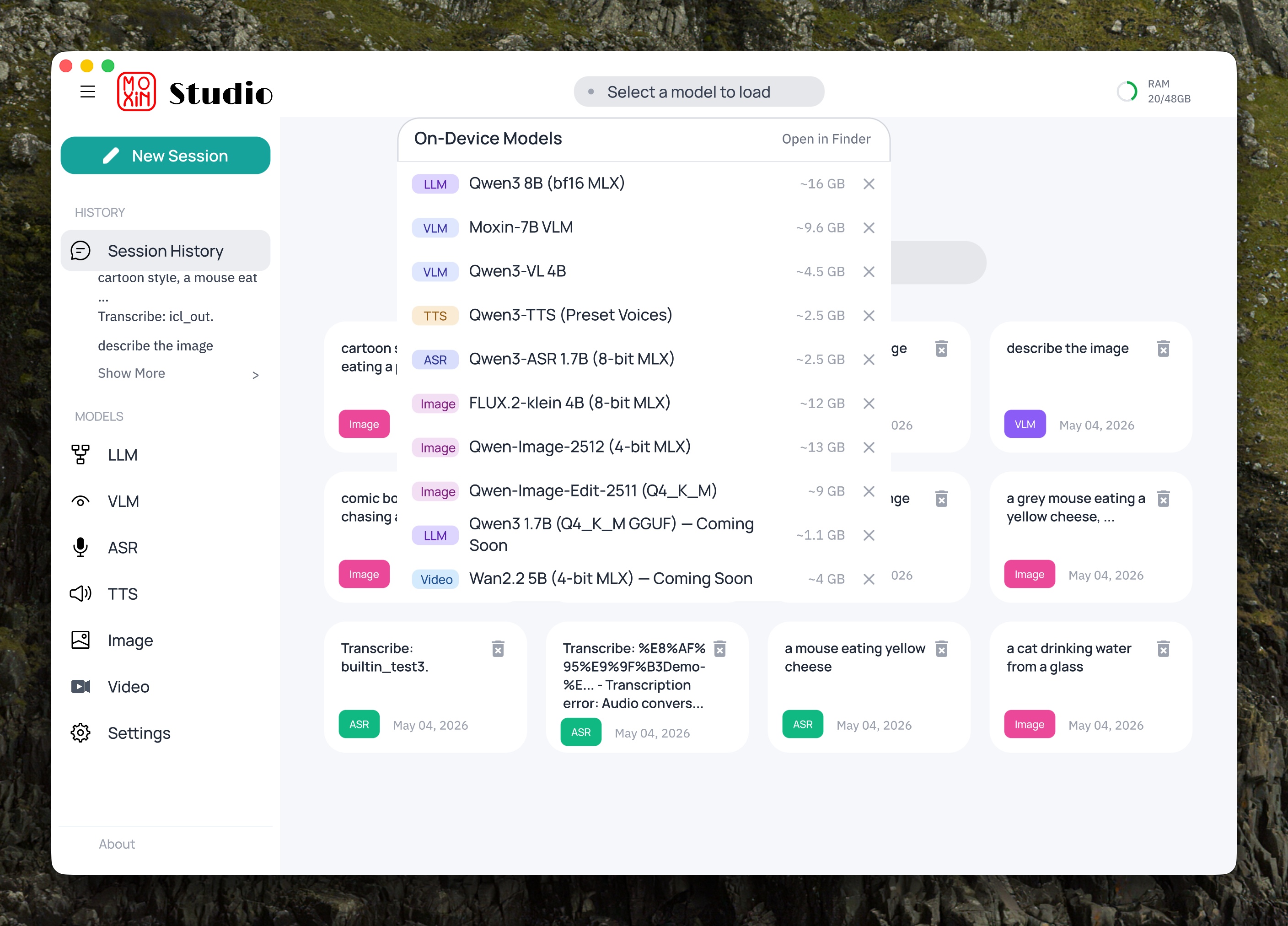
Model Hub
Discover, download, and manage on-device models
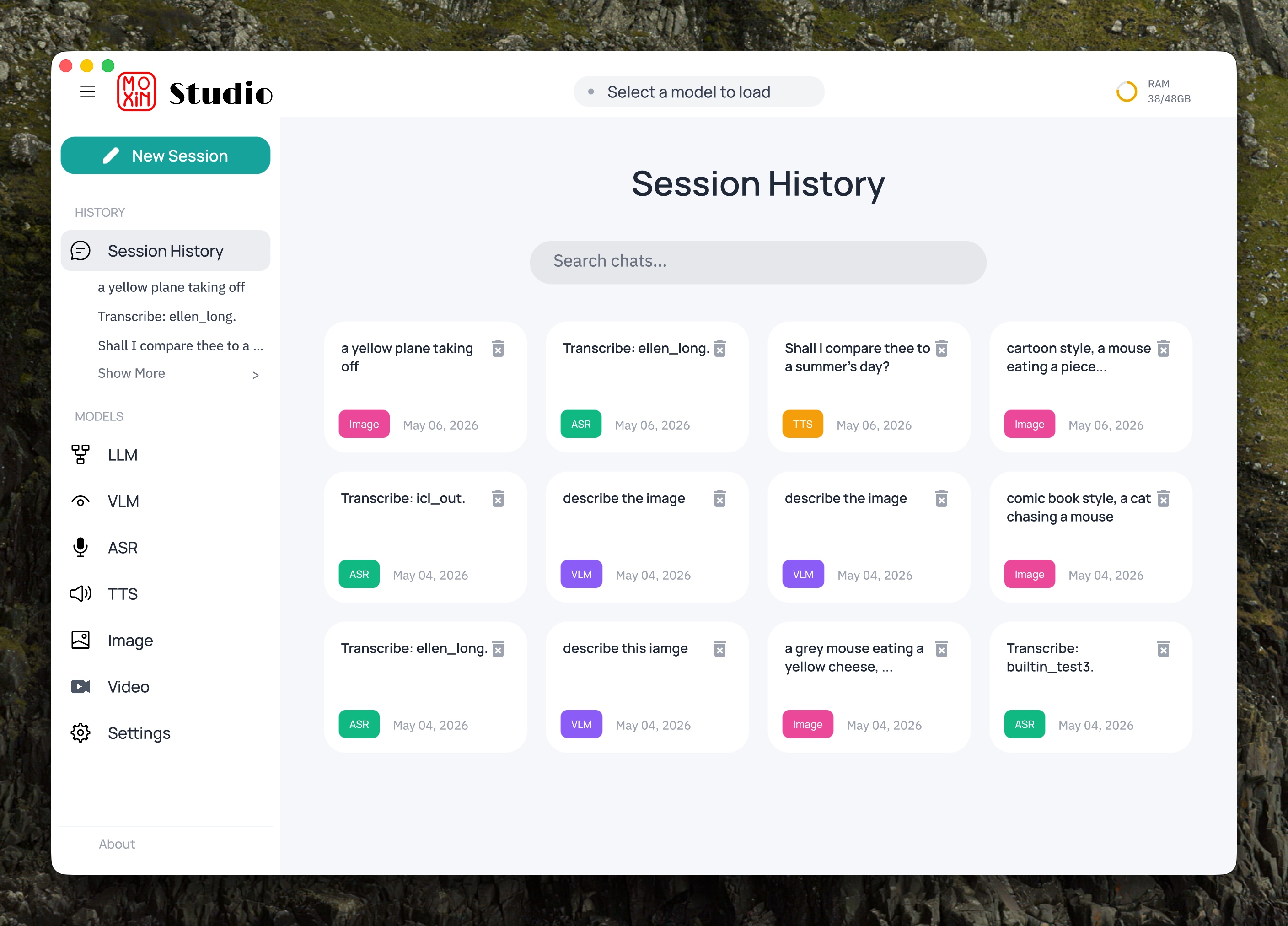
Session History
Persistent, searchable conversation history
Features
Local AI Inference
Run LLMs, vision models, image generation, speech recognition, and TTS directly on your Mac via OminiX-API.
Model Hub
Discover, download, and run models directly from the app. One-click download with automatic backend setup.
Voice I/O
Speech-to-text and text-to-speech with voice cloning. Powered by Qwen3-ASR, GPT-SoVITS, and more.
Image & Video Generation
Generate images with FLUX.2-klein and Z-Image. Edit images with Qwen-Image-Edit. Create video with Wan2.2.
MCP Support
Model Context Protocol for tool use. Connect your AI to external tools and data sources.
Chat History
Persistent, searchable conversation history. Pick up where you left off across sessions.
Platform Architecture
Moxin Studio
Desktop UI — Rust + Makepad
OminiX-API
Local inference server — pure Rust
OminiX-MLX
On-device inference backend — Metal-accelerated
Quick Start
Requires macOS 14.0+ (Sonoma) • Apple Silicon (M1–M5) • Rust 1.82+ • Xcode Command Line Tools
# 1. Install OminiX-API (local inference server)
curl -fsSL https://raw.githubusercontent.com/OminiX-ai/OminiX-API/main/install.sh | sh
# 2. Clone and build Moxin Studio
git clone https://github.com/moxin-org/Moxin-Studio.git
cd Moxin-Studio
cargo run -p moly-shell --bin moxin-studio
# 3. Open Model Hub, download a model, and start chatting!